1.22.3 When there are several case statements in one block
This is a very popular construct: several case statements for the same block:
#include <stdio.h>

void f(int a)
{
    switch (a)
    {
        case 1:
        case 2:
        case 7:
        case 10:
            printf ("1, 2, 7, 10\n");
            break;

        case 3:
        case 4:
        case 5:
        case 6:
            printf ("3, 4, 5\n");
            break;

        case 8:
        case 9:
        case 20:
        case 21:
            printf ("8, 9, 21\n");
            break;

        case 22:
            printf ("22\n");
            break;

        default:
            printf ("default\n");
            break;
    };
};

int main()
{
    f(4);
};
The author said that it would be a huge waste to generate a block for each possible case, so usually what is done is to generate each block + some kind of dispatcher.
MSVC
$SG2798 DB '1, 2, 7, 10', 0aH, 00H
$SG2800 DB '3, 4, 5', 0aH, 00H
$SG2802 DB '8, 9, 21', 0aH, 00H
$SG2804 DB '22', 0aH, 00H
$SG2806 DB 'default', 0aH, 00H

_a$ = 8
_f PROC
    mov     eax, DWORD PTR _a$[esp-4]    ; load input value
    dec     eax                          ; decrement (a -= 1)
    cmp     eax, 21                      ; compare with 21
    ja      SHORT $LN1@f                 ; if > 21, jump to default

    movzx   eax, BYTE PTR $LN10@f[eax]   ; load byte from index table (zero-extended)
    jmp     DWORD PTR $LN11@f[eax*4]     ; jump using pointer table

$LN5@f:                                      ; print '1, 2, 7, 10'
    mov     DWORD PTR _a$[esp-4], OFFSET $SG2798
    jmp     DWORD PTR __imp__printf

$LN4@f:                                      ; print '3, 4, 5'
    mov     DWORD PTR _a$[esp-4], OFFSET $SG2800
    jmp     DWORD PTR __imp__printf

$LN3@f:                                      ; print '8, 9, 21'
    mov     DWORD PTR _a$[esp-4], OFFSET $SG2802
    jmp     DWORD PTR __imp__printf

$LN2@f:                                      ; print '22'
    mov     DWORD PTR _a$[esp-4], OFFSET $SG2804
    jmp     DWORD PTR __imp__printf

$LN1@f:                                      ; default
    mov     DWORD PTR _a$[esp-4], OFFSET $SG2806
    jmp     DWORD PTR __imp__printf

    npad    2                            ; align table

$LN11@f:
    DD      $LN5@f                       ; pointer for index 0
    DD      $LN4@f                       ; index 1
    DD      $LN3@f                       ; index 2
    DD      $LN2@f                       ; index 3
    DD      $LN1@f                       ; index 4 (default)

$LN10@f:
    DB      0                            ; a=1
    DB      0                            ; a=2
    DB      1                            ; a=3
    DB      1                            ; a=4
    DB      1                            ; a=5
    DB      1                            ; a=6
    DB      0                            ; a=7
    DB      2                            ; a=8
    DB      2                            ; a=9
    DB      0                            ; a=10
    DB      4                            ; a=11 (default)
    DB      4                            ; a=12
    DB      4                            ; a=13
    DB      4                            ; a=14
    DB      4                            ; a=15
    DB      4                            ; a=16
    DB      4                            ; a=17
    DB      4                            ; a=18
    DB      4                            ; a=19
    DB      2                            ; a=20
    DB      2                            ; a=21
    DB      3                            ; a=22
_f ENDP
We see two tables here: the first table ($LN10@f) is an index table, and the second ($LN11@f) is an array of pointers to blocks.
First, the input value is used as an index in the index table (line 13).
Here is a brief explanation of the table values:
- 0 is the first case block (for values 1, 2, 7, 10)
- 1 is the second (for values 3, 4, 5)
- 2 is the third (for values 8, 9, 21)
- 3 is the fourth (for value 22)
- 4 is for the default block
Here we get an index for the second table that contains pointers to code and jump there (line 14). It is also noteworthy that there is no case for input value 0. Therefore, we see a DEC instruction at line 10, and the table starts at a = 1, so there is no need to reserve a table element for a = 0. This is a very popular pattern.
Why is this economical? Why not do it like before with just one table of pointers to blocks?
The reason is that the elements of the index table are 8-bit, so all this is smaller and more compact.
GCC
GCC does the same thing in the way we discussed before, using just one table of pointers.
ARM64: Optimizing GCC 4.9.1
No code will be executed if the input value is 0, so GCC tries to make the jump table smaller by starting from input value 1. GCC 4.9.1 for ARM64 uses an even smarter trick.
It is able to encode all offsets as 8-bit bytes. Recall that all ARM64 instructions are 4 bytes in size. GCC exploits that all offsets in this small example are close to each other. Thus the jump table consists of single bytes.
f14:
    sub     w0, w0, #1                   ; input_value -= 1
    cmp     w0, 21                       ; compare with 21

    bls     .L9                          ; branch if less or equal (unsigned)

.L2:                                         ; default case
    adrp    x0, .LC4
    add     x0, x0, :lo12:.LC4
    b       puts

.L9:
    adrp    x1, .L4                      ; load jumptable address
    add     x1, x1, :lo12:.L4

    ldrb    w0, [x1,w0,uxtw]             ; load byte from table (zero-extended)

    adr     x1, .Lrtx4                   ; load address of .Lrtx4 label

    add     x0, x1, w0, sxtb #2           ; sign-extend byte, shift left by 2 (multiply by 4), add to .Lrtx4

    br      x0                           ; jump to calculated address

.Lrtx4:                                      ; reference point in code section

.section .rodata
.L4:
    .byte   (.L3 - .Lrtx4) / 4            ; case 1
    .byte   (.L3 - .Lrtx4) / 4            ; case 2
    .byte   (.L5 - .Lrtx4) / 4            ; case 3
    .byte   (.L5 - .Lrtx4) / 4            ; case 4
    .byte   (.L5 - .Lrtx4) / 4            ; case 5
    .byte   (.L5 - .Lrtx4) / 4            ; case 6
    .byte   (.L3 - .Lrtx4) / 4            ; case 7
    .byte   (.L6 - .Lrtx4) / 4            ; case 8
    .byte   (.L6 - .Lrtx4) / 4            ; case 9
    .byte   (.L3 - .Lrtx4) / 4            ; case 10
    .byte   (.L2 - .Lrtx4) / 4            ; case 11 (default)
    .byte   (.L2 - .Lrtx4) / 4            ; case 12
    .byte   (.L2 - .Lrtx4) / 4            ; case 13
    .byte   (.L2 - .Lrtx4) / 4            ; case 14
    .byte   (.L2 - .Lrtx4) / 4            ; case 15
    .byte   (.L2 - .Lrtx4) / 4            ; case 16
    .byte   (.L2 - .Lrtx4) / 4            ; case 17
    .byte   (.L2 - .Lrtx4) / 4            ; case 18
    .byte   (.L2 - .Lrtx4) / 4            ; case 19
    .byte   (.L6 - .Lrtx4) / 4            ; case 20
    .byte   (.L6 - .Lrtx4) / 4            ; case 21
    .byte   (.L7 - .Lrtx4) / 4            ; case 22

.text
.L7:                                         ; print "22"
    adrp    x0, .LC3
    add     x0, x0, :lo12:.LC3
    b       puts

.L6:                                         ; print "8, 9, 21"
    adrp    x0, .LC2
    add     x0, x0, :lo12:.LC2
    b       puts

.L5:                                         ; print "3, 4, 5"
    adrp    x0, .LC1
    add     x0, x0, :lo12:.LC1
    b       puts

.L3:                                         ; print "1, 2, 7, 10"
    adrp    x0, .LC0
    add     x0, x0, :lo12:.LC0
    b       puts

.LC0:
    .string "1, 2, 7, 10"
.LC1:
    .string "3, 4, 5"
.LC2:
    .string "8, 9, 21"
.LC3:
    .string "22"
.LC4:
    .string "default"
The author compiled this example to an object file and opened it in IDA.
This is the jump table:
.rodata:0000000000000064 $d DCB 9          ; case 1
.rodata:0000000000000065    DCB 9          ; case 2
.rodata:0000000000000066    DCB 6          ; case 3
.rodata:0000000000000067    DCB 6          ; case 4
.rodata:0000000000000068    DCB 6          ; case 5
.rodata:0000000000000069    DCB 6          ; case 6
.rodata:000000000000006A    DCB 9          ; case 7
.rodata:000000000000006B    DCB 3          ; case 8
.rodata:000000000000006C    DCB 3          ; case 9
.rodata:000000000000006D    DCB 9          ; case 10
.rodata:000000000000006E    DCB 0xF7       ; case 11 (default)
.rodata:000000000000006F    DCB 0xF7       ; case 12
.rodata:0000000000000070    DCB 0xF7       ; case 13
.rodata:0000000000000071    DCB 0xF7       ; case 14
.rodata:0000000000000072    DCB 0xF7       ; case 15
.rodata:0000000000000073    DCB 0xF7       ; case 16
.rodata:0000000000000074    DCB 0xF7       ; case 17
.rodata:0000000000000075    DCB 0xF7       ; case 18
.rodata:0000000000000076    DCB 0xF7       ; case 19
.rodata:0000000000000077    DCB 3          ; case 20
.rodata:0000000000000078    DCB 3          ; case 21
.rodata:0000000000000079    DCB 0          ; case 22
So for case 1, the value 9 will be multiplied by 4 and added to the address of label Lrtx4. For case 22, the value 0 will be multiplied by 4, resulting in 0. Immediately after label Lrtx4 is label L7, where the code that prints "22" is located.
There is no jump table in the code section; it is placed in a separate read-only data (.rodata) section (there is no special need for it to be in the code section). There are also negative bytes (0xF7), which are used to go back and jump to the code that prints the "default" string (at .L2).
1.22.4 Fall-through
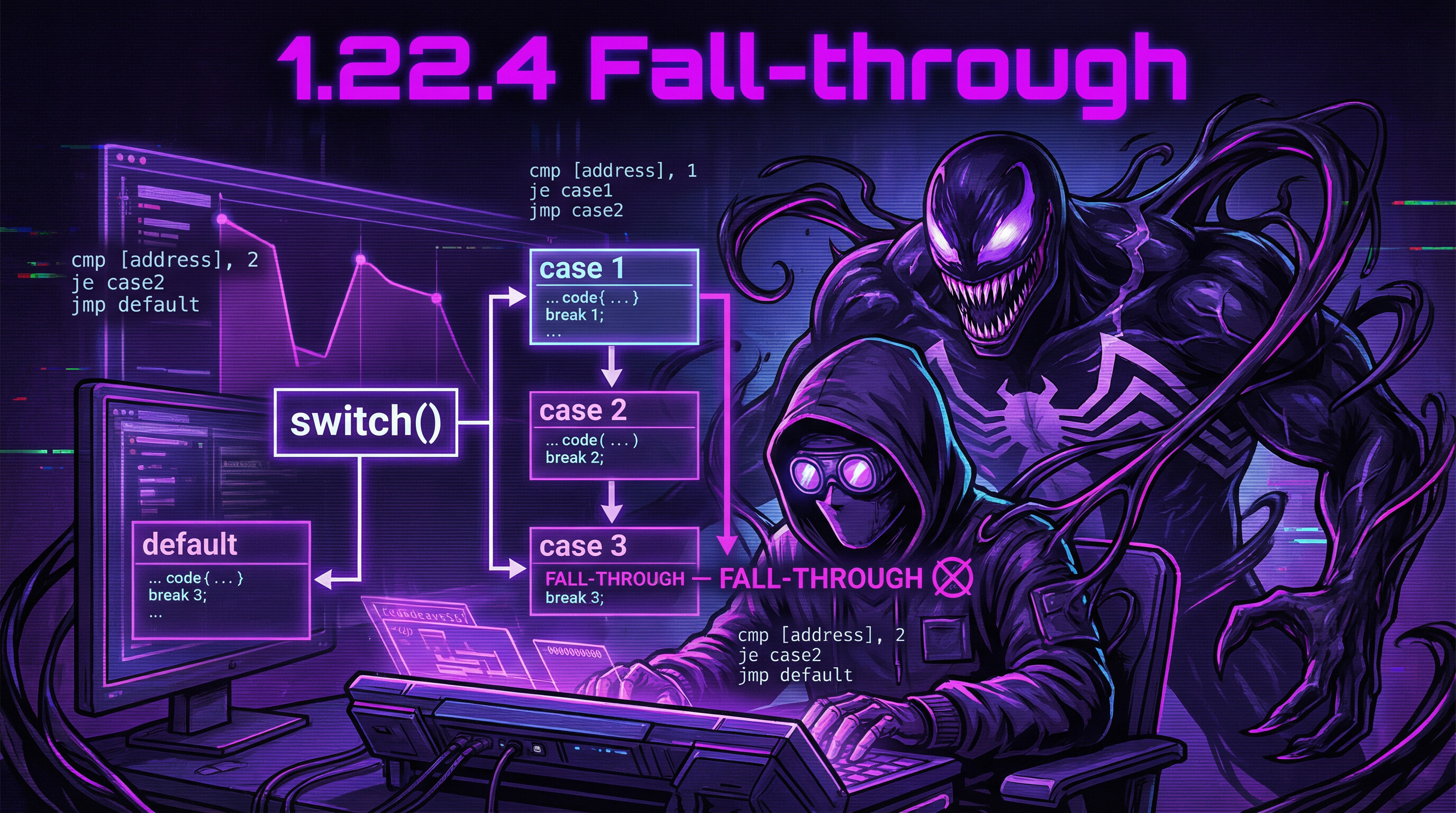
Another popular use of switch() is what is called "fallthrough".
A simple example:
bool is_whitespace(char c) {
    switch (c) {
    case ' ':    // fallthrough
    case '\t':   // fallthrough
    case '\r':   // fallthrough
    case '\n':
        return true;
    default:     // not whitespace
        return false;
    }
}
A bit harder, from the Linux kernel:
char nco1, nco2;

void f(int if_freq_khz)
{
    switch (if_freq_khz) {
    default:
        printf("IF=%d KHz is not supportted, 3250 assumed\n", if_freq_khz);
        /* fallthrough */
    case 3250: /* 3.25Mhz */
        nco1 = 0x34;
        nco2 = 0x00;
        break;

    case 3500: /* 3.50Mhz */
        nco1 = 0x38;
        nco2 = 0x00;
        break;

    case 4000: /* 4.00Mhz */
        nco1 = 0x40;
        nco2 = 0x00;
        break;

    case 5000: /* 5.00Mhz */
        nco1 = 0x50;
        nco2 = 0x00;
        break;

    case 5380: /* 5.38Mhz */
        nco1 = 0x56;
        nco2 = 0x14;
        break;
    }
};
.LC0:
    .string "IF=%d KHz is not supportted, 3250 assumed\n"

f:
    sub     esp, 12
    mov     eax, DWORD PTR [esp+16]

    cmp     eax, 4000
    je      .L3
    jg      .L4

    cmp     eax, 3250
    je      .L5

    cmp     eax, 3500
    jne     .L2

    mov     BYTE PTR nco1, 56
    mov     BYTE PTR nco2, 0
    add     esp, 12
    ret

.L4:
    cmp     eax, 5000
    je      .L7

    cmp     eax, 5380
    jne     .L2

    mov     BYTE PTR nco1, 86
    mov     BYTE PTR nco2, 20
    add     esp, 12
    ret

.L2:
    sub     esp, 8
    push    eax
    push    OFFSET FLAT:.LC0
    call    printf
    add     esp, 16

.L5:
    mov     BYTE PTR nco1, 52
    mov     BYTE PTR nco2, 0
    add     esp, 12
    ret

.L3:
    mov     BYTE PTR nco1, 64
    mov     BYTE PTR nco2, 0
    add     esp, 12
    ret

.L7:
    mov     BYTE PTR nco1, 80
    mov     BYTE PTR nco2, 0
    add     esp, 12
    ret
We can reach label .L5 if the function input is 3250. But we can also reach this label from the other side: we see that there is no jump between the printf() call and label .L5.
Now we can understand why switch() is sometimes a source of bugs:
One forgotten break turns your switch() into fallthrough, and several blocks will be executed instead of one.